An automatic text reply is a pre-written message your phone sends back the instant someone texts or calls you, without you touching the device — triggered by driving mode, a Focus setting, or a missed call. The distinction that matters: it acknowledges a message, it doesn't answer one. If a customer texts back with a question, most auto-replies go silent until you unlock your phone.
TL;DR:
- An automatic text reply fires once on a trigger (driving, Focus mode, missed call) and can't respond to what the sender says back.
- iPhone handles this through Do Not Disturb While Driving and Focus modes — there's no native "reply to every text" toggle, and Shortcuts can't trigger off an incoming SMS.
- Android auto-reply depends on your phone's manufacturer; most reliable options are OEM settings (Samsung, Pixel) or a third-party app set as your default SMS handler.
- The FCC's TCPA rules and CTIA's messaging guidelines treat a one-time informational auto-reply differently from a promotional text — mixing the two can trigger consent requirements you didn't sign up for.
- For a business, an auto-reply buys you a few minutes of goodwill; a missed-call text-back service captures the caller's name, number, and need so you can actually follow up.
Table of Contents
- What an Automatic Text Reply Actually Sends
- Automatic Text Reply on iPhone: What Apple Actually Ships
- Automatic Text Reply on Android: Why It Depends on Your Phone
- What a Good Auto-Reply Actually Says
- Out-of-Office Replies That Don't Read Like a Form Letter
- Where Automatic Text Reply Hits a Wall for a Business
- Get the Caller's Name and Job, Not Just an Auto-Reply
- Frequently Asked Questions
- Sources
What an Automatic Text Reply Actually Sends
An automatic text reply is a static message — the same words, every time, to whoever triggers it. It doesn't read the incoming text, doesn't check who's texting, and doesn't know if this is the fifth time this week the same person has reached out. It fires, it sends, and it's done. For a friend texting you during a movie, that's plenty. For anyone running a business off their personal phone, it's the start of a problem, not the end of one.
The practical ceiling is the same across every platform: an auto-reply is a trigger and a string of text, nothing more. Someone texts back asking a follow-up question — "how much for a water heater replacement?" — and the auto-reply has nothing left to say. The conversation stalls until you physically open the phone, which for a lot of trades owners is hours later, after the job's already gone to whoever answered.
Automatic Text Reply on iPhone: What Apple Actually Ships
Apple gives you two ways to trigger an automatic text reply, and neither is a blanket "reply to everyone who texts me" switch.
- Do Not Disturb While Driving. When your iPhone detects you're driving, it can auto-reply to incoming texts telling the sender you're behind the wheel. Apple's own documentation on the feature notes it sends the reply once per contact per drive, not a second time for every follow-up text from the same person during that trip.
- Focus modes. Any Focus you build — Work, Personal, a custom one — can be set to auto-reply to calls and texts from anyone outside your allowed contacts list, with a message you write yourself.
What iPhone does not give you is a way to auto-reply to every incoming text regardless of context, and the "Shortcuts hack" videos circulating online are working around a real limitation, not a feature. iOS does not expose incoming SMS as a trigger event to the Shortcuts app's personal automations — there's no "when I receive a text" trigger you can build on. Anything claiming to do that is either repurposing Do Not Disturb While Driving under the hood or relying on a workaround that breaks with the next iOS update.
Apple's Do Not Disturb While Driving sends the auto-reply once per contact, per drive — not once per incoming text.
Automatic Text Reply on Android: Why It Depends on Your Phone
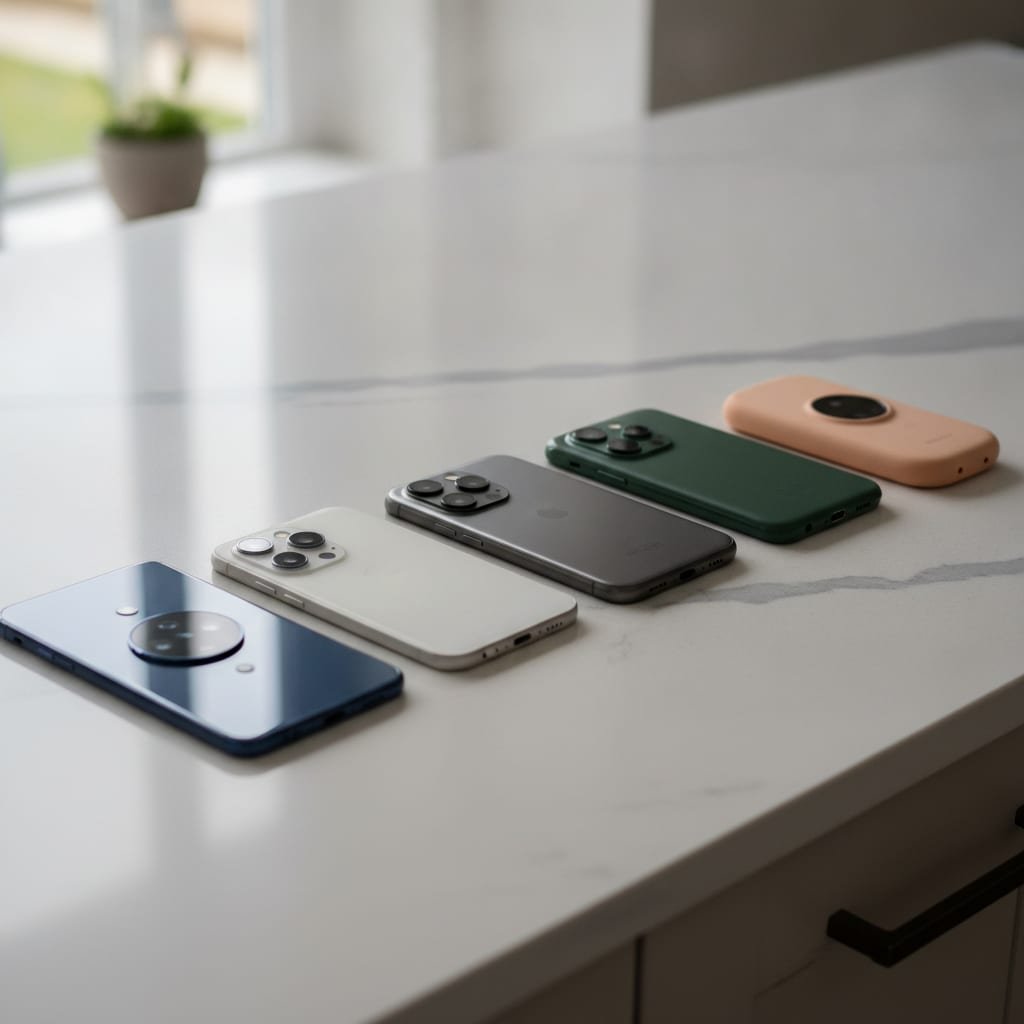
Android doesn't have one answer here, because Android isn't one phone. What you get depends entirely on who made your device.
Built-in options by manufacturer
Samsung's Messages app includes a native auto-reply setting for missed calls and can be configured for Do Not Disturb hours. Pixel phones route similar functionality through Digital Wellbeing's Driving Mode. If your phone is a different brand, check its native messaging app settings before downloading anything — a surprising number of manufacturers quietly ship this feature without calling it "auto-reply."
Third-party apps
If your phone doesn't have a native option, you'll land on one of the auto-reply apps in the Play Store. Here's the trade-off nobody mentions in the app description: Google Play's permissions policy restricts which apps can request SMS and call-log access, and in practice that means most of these apps will ask you to set them as your default messaging app before auto-reply will work. That's a real handoff of your primary inbox to a third-party app, not a minor permission toggle — worth knowing before you install one on a phone you use for anything sensitive.
What a Good Auto-Reply Actually Says
A good auto-reply text does three things: it confirms the message arrived, it sets an honest expectation for when you'll respond, and it gives the sender an alternative if this is urgent. It does not apologize excessively, and it does not promise a callback time you can't hit.
| Situation | Example message | Why it works |
|---|---|---|
| Driving | "I'm driving — I'll call you back within the hour." | Confirms receipt, sets a real window, no apology needed |
| After hours | "Thanks for reaching out. Our office reopens at 8am and we'll follow up then." | Removes ambiguity about when you're back online |
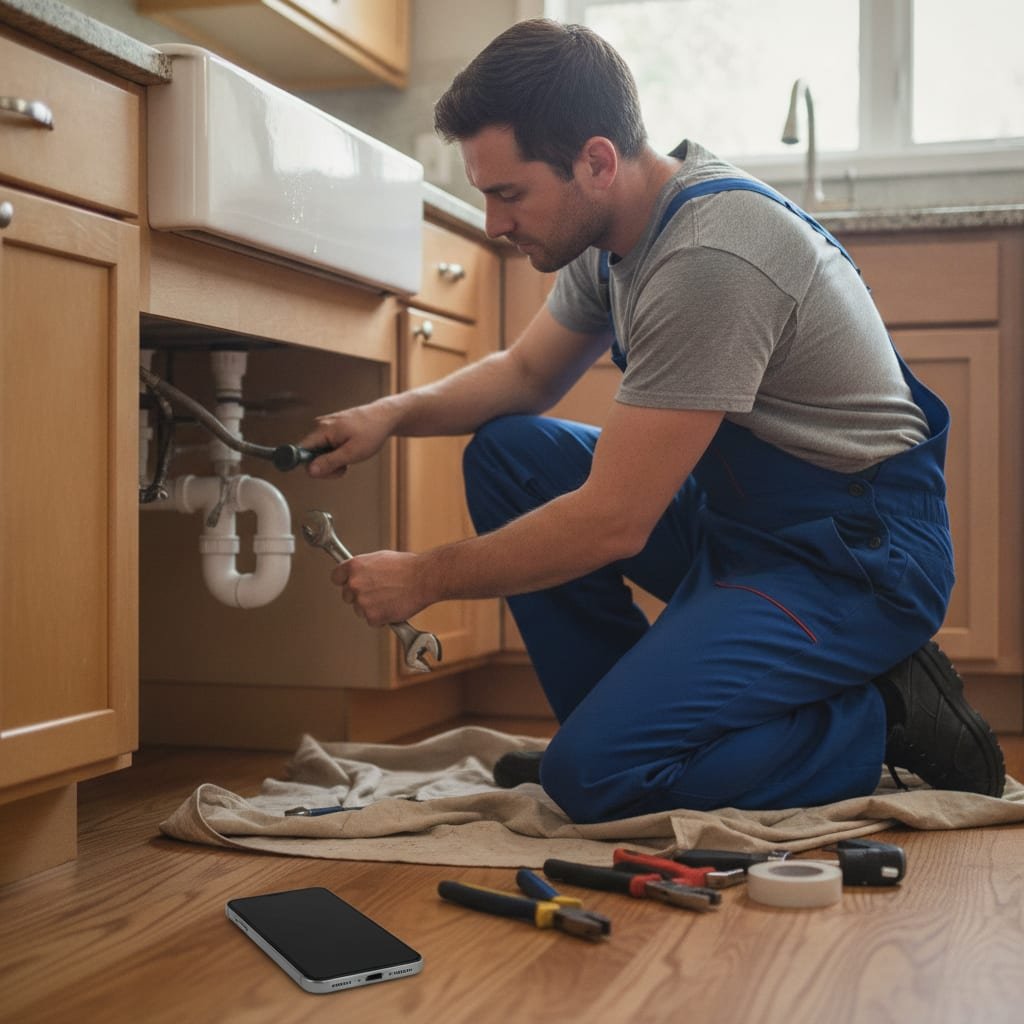
| On a job site | "Thanks for calling [Business]. I'm with a customer right now — text the address and what's going on and I'll call between jobs." | Turns a missed call into useful information you can act on |
| Out of office | "I'm out until [date] with limited access. For anything urgent, contact [name] at [number]." | Gives a real alternative instead of silence |
| Personal / do not disturb | "Can't talk right now, I'll text you back later today." | Honest, low-pressure, no false promises |
That trade-site auto-reply — the one collecting the address and job description — is the version of an automated reply that actually earns its keep, because it turns a missed call into a usable lead instead of just a polite non-answer.
Out-of-Office Replies That Don't Read Like a Form Letter
A good out-of-office auto-reply has three parts: the date you're back, whether you have any access at all, and who to contact if it can't wait. Skip the flourishes. "I'm out of office until Monday, April 14th, with no email access. For anything urgent, reach [name] at [number]." That's the whole message. It tells the sender exactly what to expect and exactly what to do next, which is the entire job of an out-of-office reply.
The mistake most people make is vague dates — "I'll be back soon" tells the sender nothing they can plan around. Put an actual date in the message, even if it's approximate.
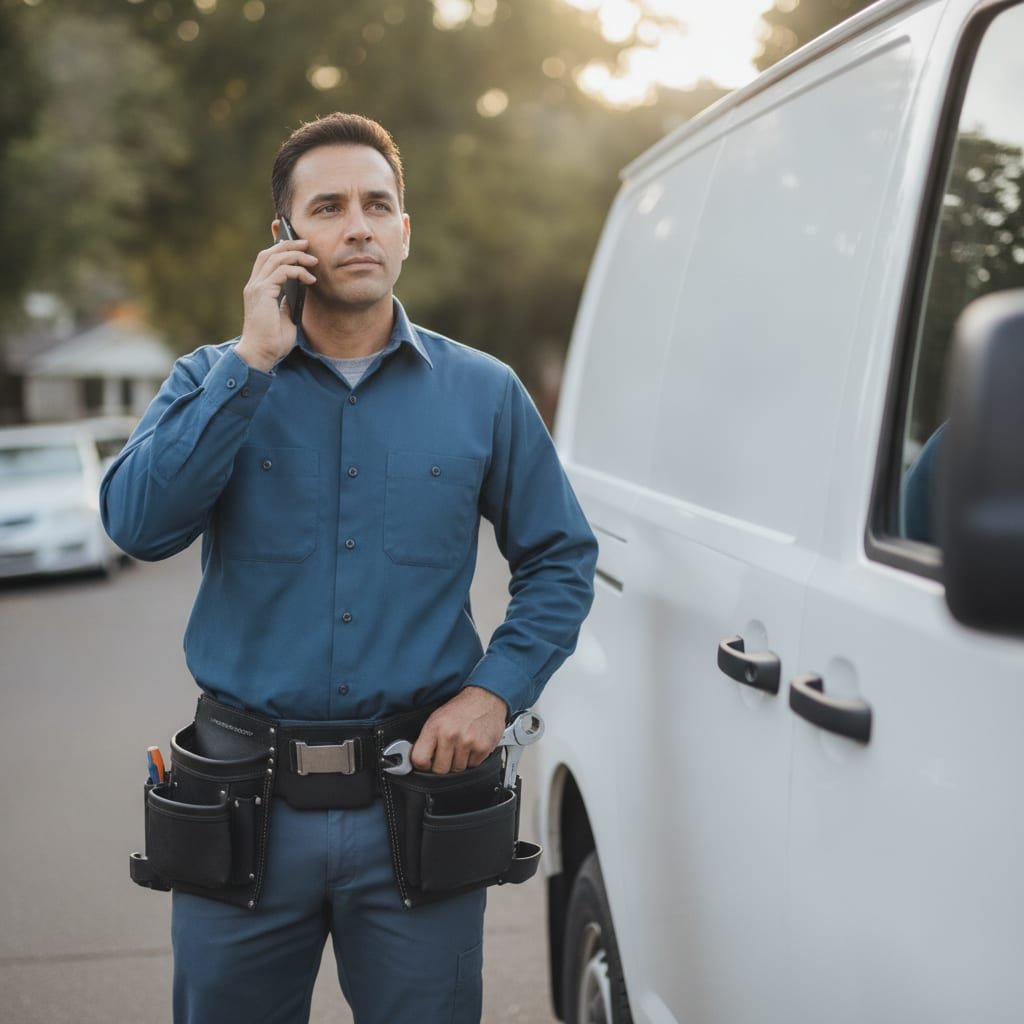
Pro Tip: If you run a trade business, set your auto-reply trigger on missed calls, not just incoming texts. Most customers call first and only text if the call goes unanswered — a text-only auto-reply misses the exact moment you're actually losing the job.
Where Automatic Text Reply Hits a Wall for a Business
An auto-reply is a courtesy message, and courtesy messages have legal limits worth knowing before you write one that does more than acknowledge receipt. The FCC's TCPA rules treat a one-time, purely informational auto-reply differently from a marketing text — the moment your message includes a promotion, a discount, or a call to book a job, you've likely crossed into territory that needs its own consent trail. CTIA's messaging guidelines, which carriers use to police this, also expect any automated program to honor STOP requests immediately, auto-reply included.
The moment an auto-reply stops being purely informational — a discount, a booking link, a promo — it stops being exempt from separate texting consent under the FCC's rules.
Beyond the legal line, there's a simpler business problem: an auto-reply tells the customer you got their message. It doesn't tell you who they are, what they need, or whether this is a repeat customer about to hire your competitor instead. If you're comparing what's actually available for a small trades business, Best Missed Call Text Back App for Small Business walks through the tools built specifically to close that gap, and Flat Rate Phone Answering Service: Real Costs, Real Trade-offs is worth a read if you're weighing a human answering service against software. If your missed calls mostly happen nights and weekends rather than mid-job, After Hours Call Answering Service: Costs, Options, Trade-offs covers that specific version of the problem.
Get the Caller's Name and Job, Not Just an Auto-Reply
An auto-reply tells a customer you're busy. It doesn't tell you who called, what they wanted, or whether it was a $4,000 job you just let ring out. Answello answers the call your phone missed, asks the caller who they are and what they need, and texts you the name, number, and request while you're still on the ladder. The self-install version is a $399 one-time purchase; if you'd rather it come pre-configured with a script written for your trade, the fully set-up version is $895, also one-time — no monthly fee unless you want the $119/month tuning plan that keeps the script sharp as your services change. It covers multiple brands and numbers under one purchase, which matters if you run more than one business line. The honest caveat: it answers and informs you, it doesn't book the job for you — you still make the callback, just with the information you need to make it worth making.
Frequently Asked Questions
What is a good auto-reply text message?
A good auto-reply confirms the message arrived, gives an honest time frame for when you'll respond, and offers an alternative contact if the matter is urgent. It should never promise a callback window you can't realistically hit, since that turns a courtesy message into a broken promise.
Can you give me an example of an automated reply?
For a trade business on a job site: "Thanks for calling [Business]. I'm with a customer right now — text me the address and what's going on and I'll call back between jobs." It works because it turns a missed call into information you can act on later.
Can I automate text messages on my iPhone?
Yes, but only through Do Not Disturb While Driving or a Focus mode — there's no native setting to auto-reply to every text regardless of context. iOS also doesn't let the Shortcuts app trigger off an incoming SMS, so claims of a broader "hack" are usually working around Do Not Disturb While Driving rather than building something new.
What is a good out-of-office message with an auto-reply?
State the exact date you're back, whether you have any access at all, and who to contact if something can't wait: "I'm out until Monday, April 14th, with no email access. For anything urgent, reach [name] at [number]." Vague phrases like "back soon" give the sender nothing to plan around.
What's the difference between an auto-reply and a missed-call text-back service?
An auto-reply sends the same static message to everyone who triggers it and can't respond to a follow-up question. A missed-call text-back service, or an AI answering system, actually engages the caller, finds out who they are and what they need, and reports that back to you — which is the difference between an acknowledgment and a usable lead.
Do auto-reply texts need to follow any legal rules?
In the U.S., the FCC's TCPA rules generally treat a one-time, purely informational auto-reply differently from a marketing text, and carriers expect any automated messaging program to honor STOP requests immediately under CTIA's guidelines. Once your auto-reply includes a promotion or a booking link, you're likely outside that informational exemption.
Sources
- About Do Not Disturb While Driving | Apple Support
- Messaging Principles and Best Practices | CTIA
- Telephone Consumer Protection Act rules | Federal Communications Commission
- Permissions for SMS and Call Log | Google Play
Leave a Reply